Keep track of network devices, set the approved settings for each, and run scheduled checks. Reports show what differs and how serious each issue is, so teams know what to fix first.
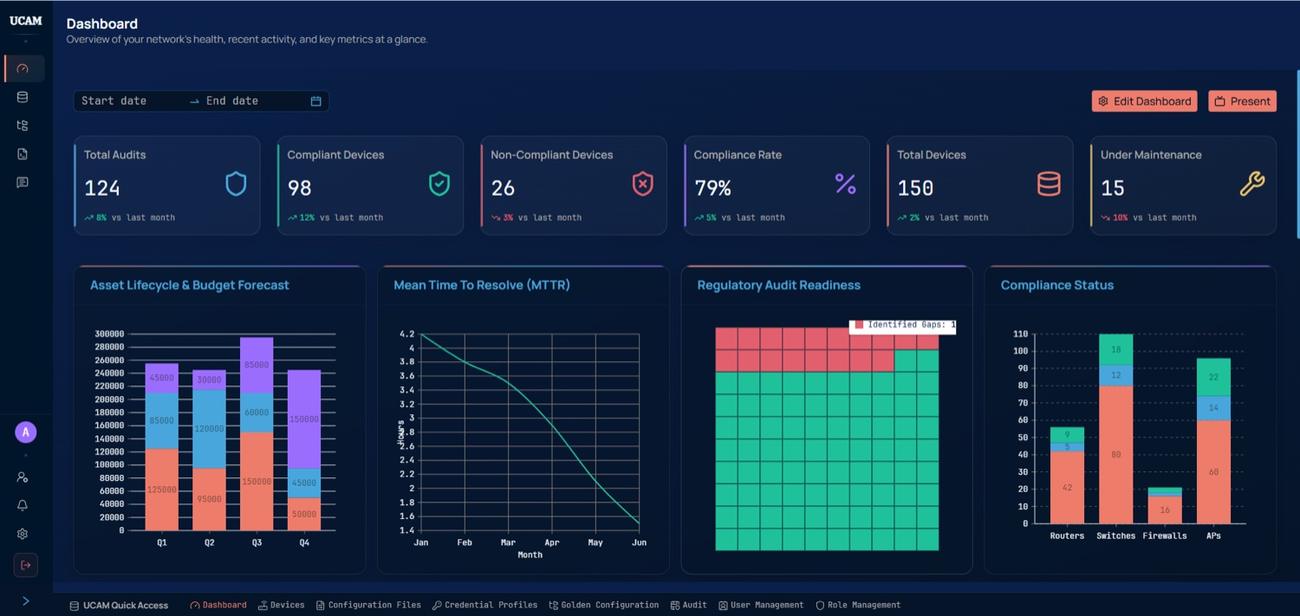
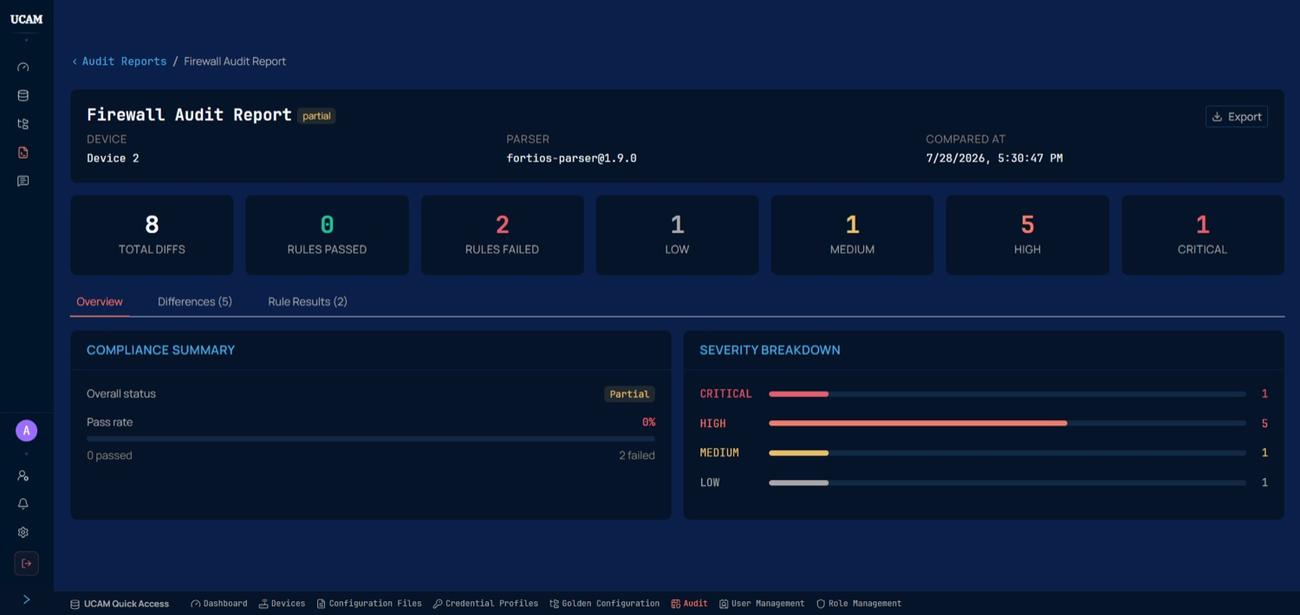
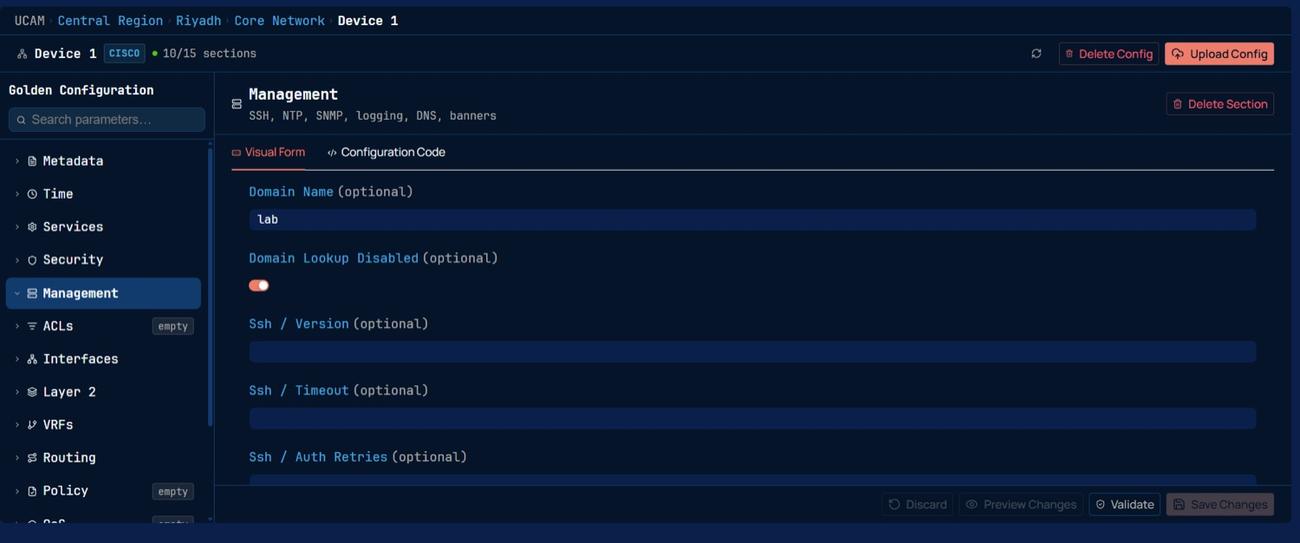
Screens from the platform, from the first dashboard to the details of a single user.
Audit totals, compliant and non-compliant devices, compliance rate, resolution time and audit readiness on one screen.
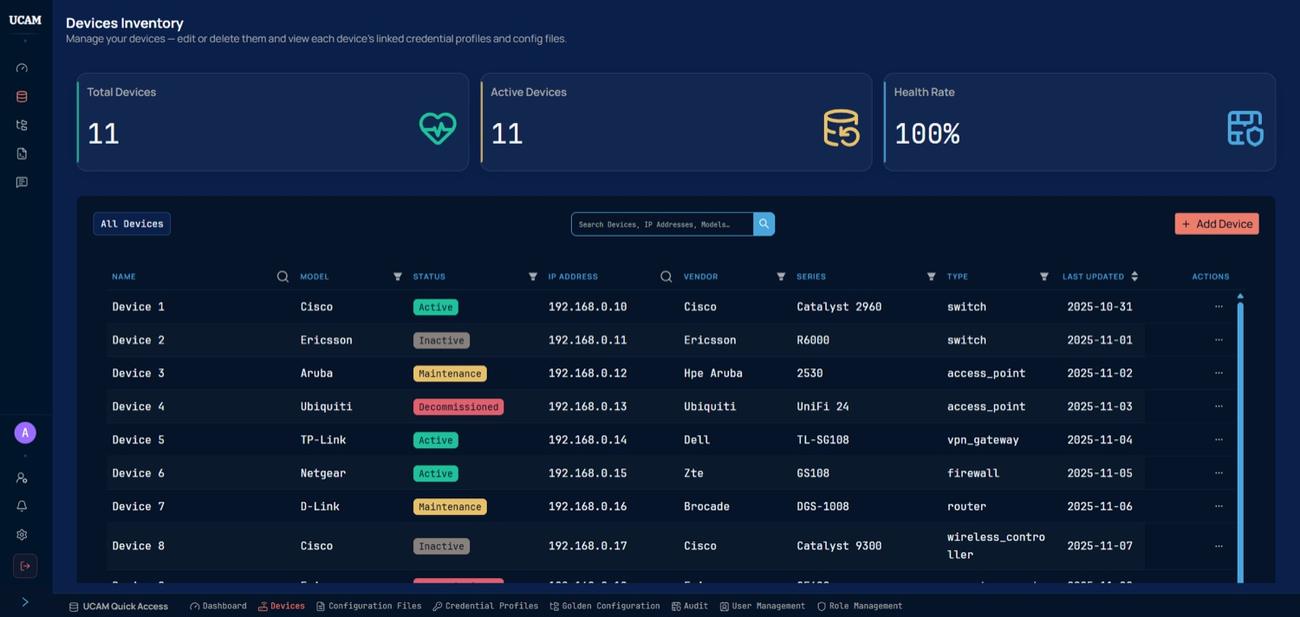
Every device with its vendor, model, series, type, status and last update, with search and filters.
Browse a device's settings by section and edit them as a form or as configuration code.
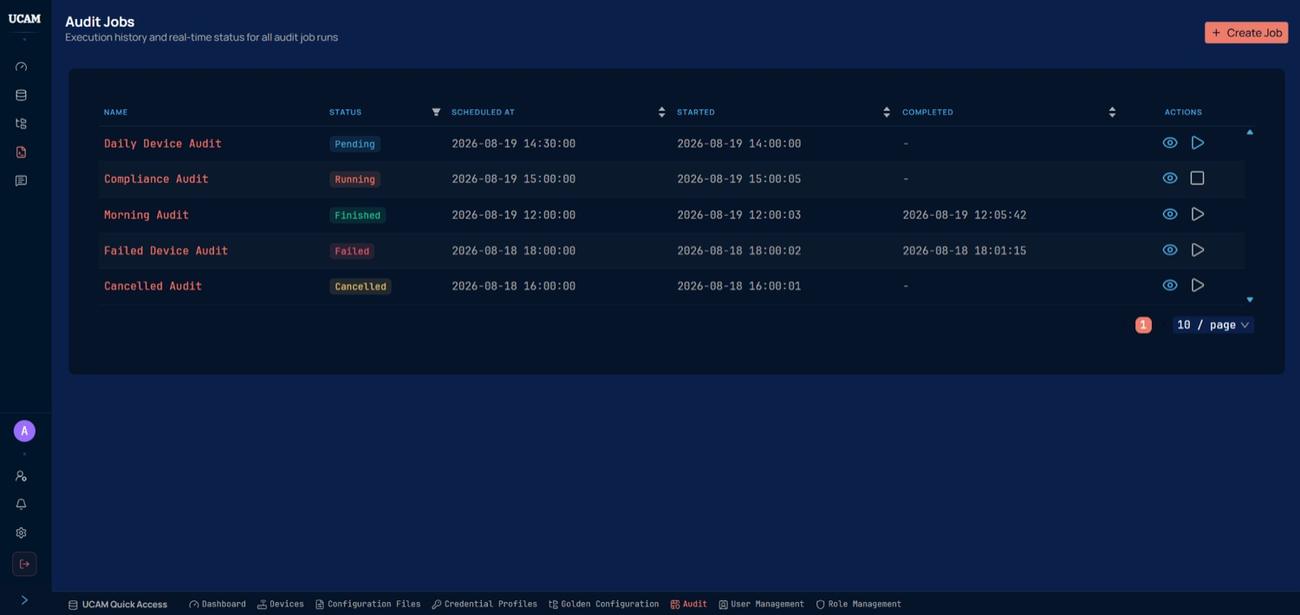
See each check’s status and history, including whether it is waiting, running, complete, failed or cancelled.
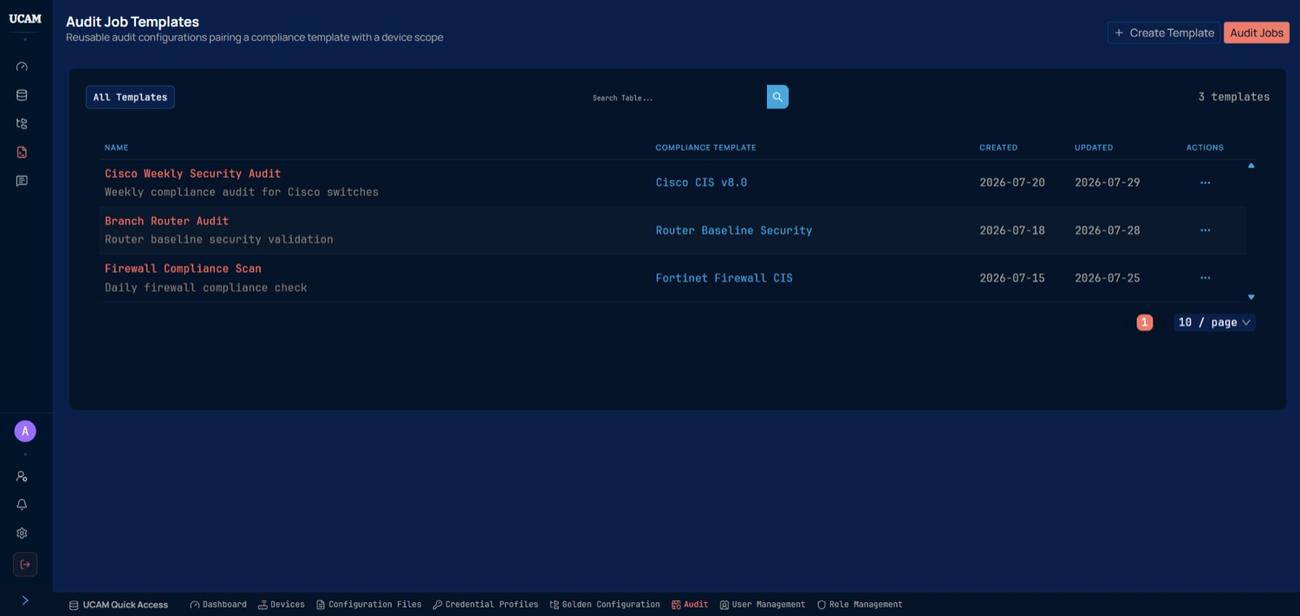
Choose a standard, such as a CIS security benchmark (a widely used security checklist), select which devices to check, and reuse those settings for future audits.
Total differences, rules passed and failed, and a severity breakdown from low to critical. Export when you need to share.
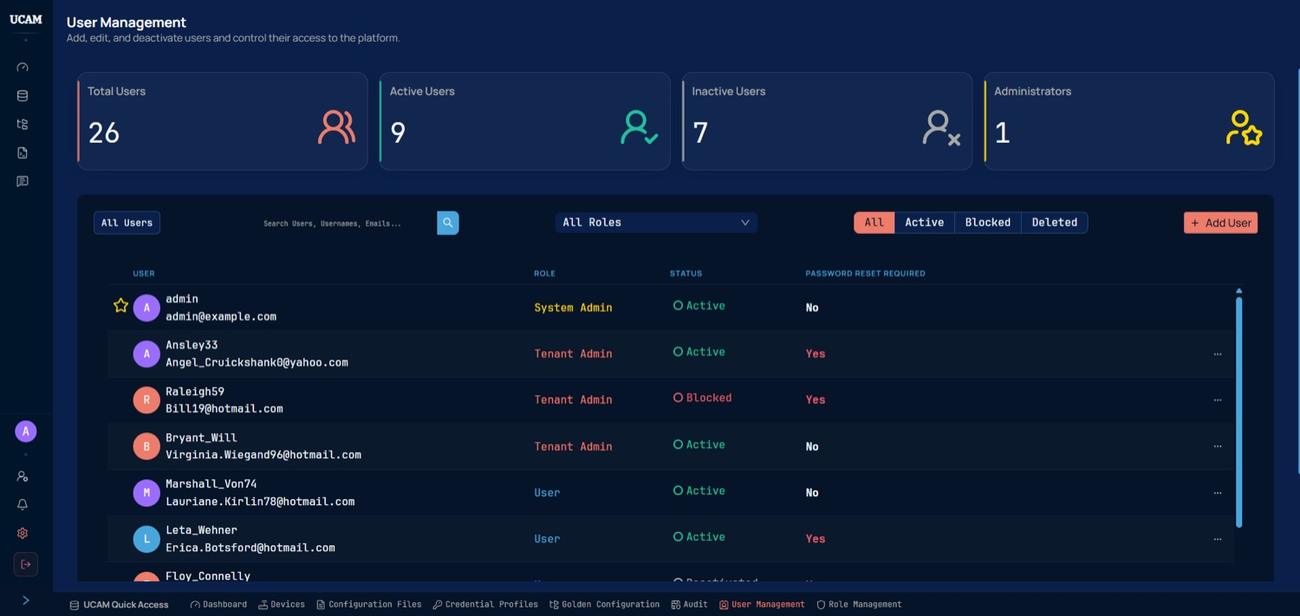
See every user's role and status, then open one user to review groups, permissions, sessions and password resets.
Three steps turn your standard into evidence you can act on.
Set the approved baseline for each device, section by section, as a form or as configuration code.
Pair a compliance template with a device scope, then run it now or on a schedule and follow its status.
See differences, rule results and a severity breakdown for every device, then export the report.
The Network Abstraction Center (NAC) stores approved settings for devices and services. Define a standard once, apply it across devices, and change it only where needed.
Five tools share one foundation for checking device settings, viewing network data, monitoring devices, automating tasks and mapping connections.
Track devices, compare settings with your approved standards, and review or fix differences.
Build live dashboards, share important data and alert teams when something needs attention.
Map devices and connections, spot changes and create reports.
Monitor network devices and spot service issues as they happen.
Coordinate work between devices using rules your team can update, without custom integration code.
UCAM provides shared services for CloudGate network products across physical devices, virtual systems and cloud environments.
Manage systems in your data centre, the cloud or remote locations from one place.
Run UCAM in your own data centre on virtual machines, with control over where data is processed and stored.
Run UCAM in the cloud and add capacity as your needs grow, including across sites in different locations.
Manage remote locations from the cloud, with a backup site ready if the main site goes offline.
Built-in features that keep every CloudGate network product fast, reliable and secure.
Get in touch and our team will show you how UCAM audits your network against your own standard.